In Rear DI, infrared light is shined at the screen from below the touch surface. A diffuser is placed on top (preferred) or on bottom of the touch surface. When a finger or object touches the surface, the infrared light hits the object and is reflected downward and seen by an infrared camera below the surface. Depending on the diffuser, this method can also detect hovering objects, hands, and fingers above the surface. An image is displayed by using a projector connected to a computer pointed towards the projection material.
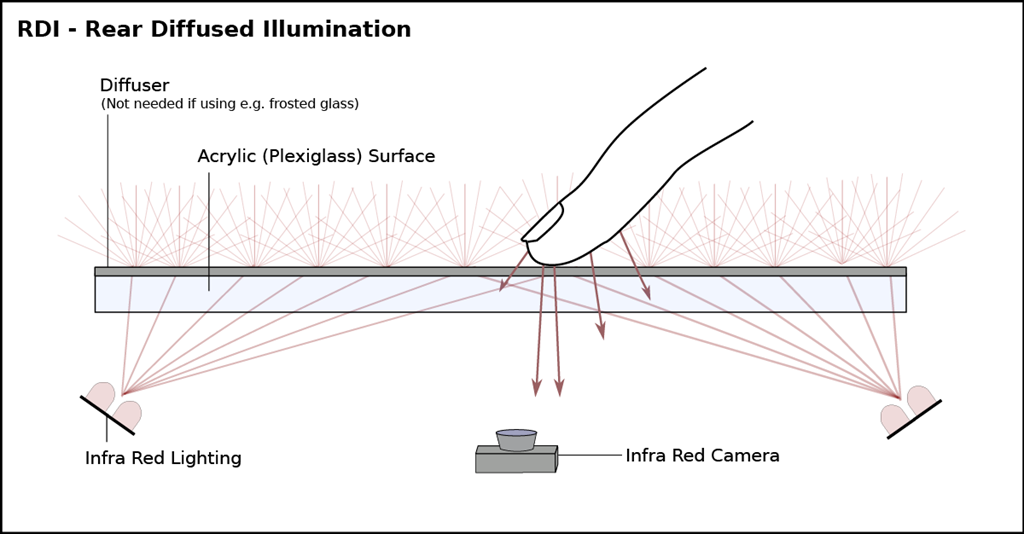
Parts List
- Clear, Sturdy Surface (Glass, Acrylic, Polycarbonate, Plexiglass, etc.)
- Infrared Lighting (Infrared LEDs, Infrared Cluster Illuminator, Infrared Lamp, etc.)
- Diffuser/Projection Surface (Vellum, Mylar, Lee Filter, other, etc.) – For displaying an image and scattering light. *Note: The Diffuser/Projection Surface must let some light through.
- Infrared Camera/Modified Webcam
Camera Image Examples
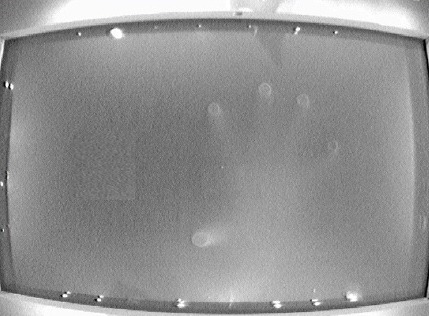
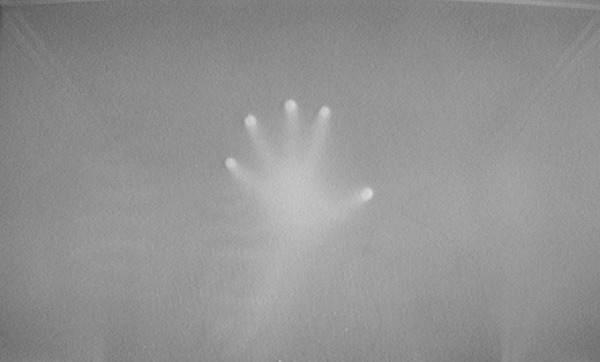

Video Examples
[youtube=http://www.youtube.com/watch?v=1l8ea7ZRWPs]
[youtube=http://www.youtube.com/watch?v=Ja0gDfwOkeg]
